
Medical Officer Jobs Western Cape 2026 – Exciting High-Paying Government Opportunity (Earn Up To R636 Per Hour)
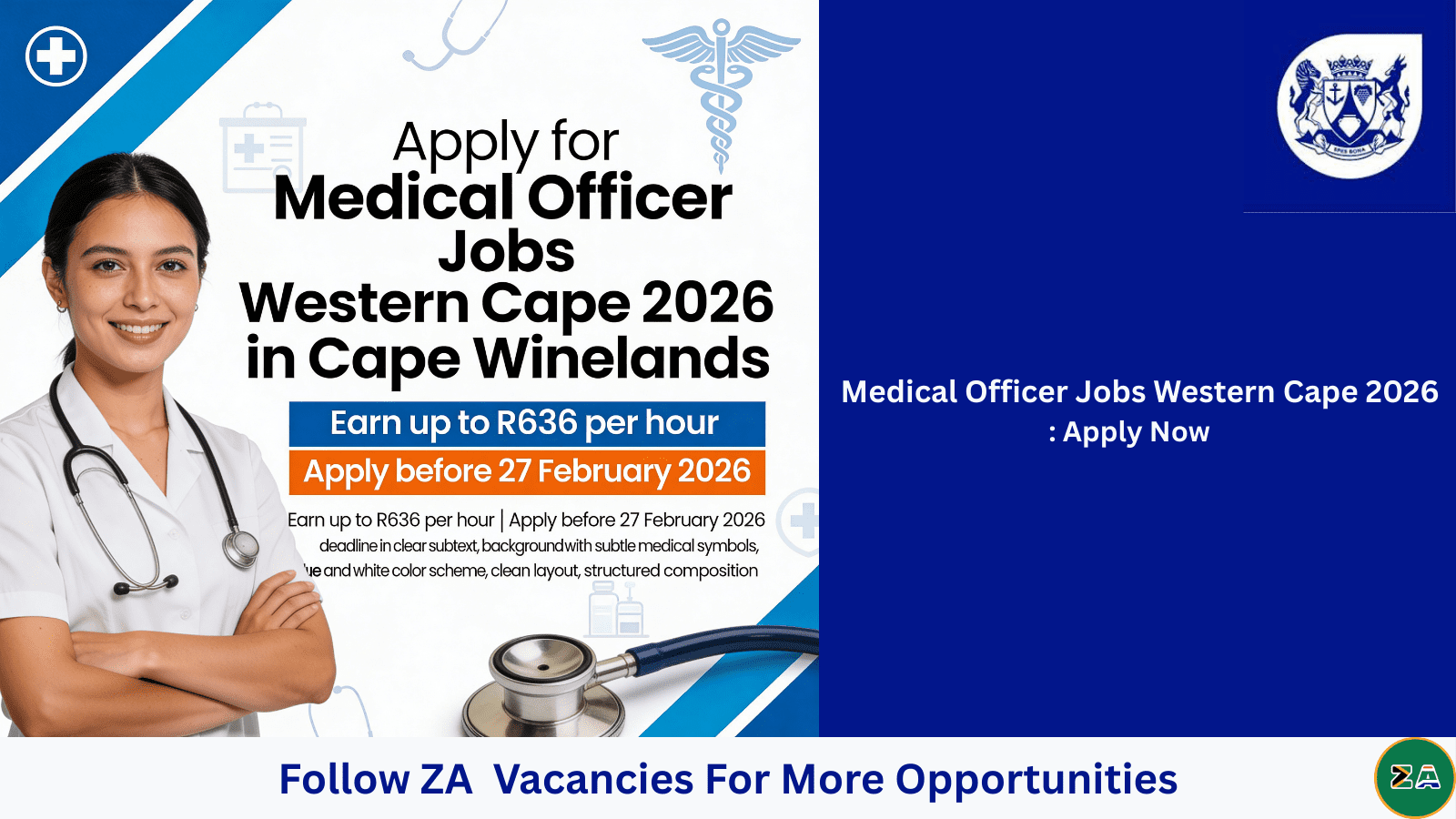
The Western Cape offers exciting and rewarding Medical Officer Jobs in 2026, giving healthcare professionals a valuable opportunity to grow their careers in a respected public health system.
The Western Cape Government continues to prioritise quality healthcare delivery. As part of its 2026 recruitment drive, the department is seeking dedicated and skilled Medical Officers Grade 1–3 to serve at Langeberg PHC in the Stellenbosch Sub-District.
Job Overview: Medical Officer Jobs Western Cape 2026
- Position: Medical Officer Grade 1–3
- Centre: Langeberg PHC – Stellenbosch Sub-District
- District: Cape Winelands
- Province: Western Cape
- Contract: Until 31 March 2027
- Sessions: 16 Sessions Per Week
- Closing Date: 27 February 2026 at 17:00
Attractive Salary and Benefits for Medical Officer Jobs Western Cape 2026
This opportunity within the Medical Officer Jobs Western Cape 2026 category offers competitive hourly compensation:
- Grade 1: R482 per hour
- Grade 2: R550 per hour
- Grade 3: R636 per hour
Salary placement for Medical Officer Jobs Western Cape 2026 is determined by years of post-registration experience with the Health Professions Council of South Africa (HPCSA).
Essential Requirements for Success for Medical Officer Jobs Western Cape 2026
- Appropriate medical qualification registrable with HPCSA
- Active HPCSA registration as a Medical Practitioner
- Valid Code B/EB driver’s licence
- Experience in Primary Health Care
- Knowledge of TB, HIV and chronic disease management
- Computer literacy
Exciting Career Responsibilities for a Medical Officer Jobs Western Cape 2026
Successful candidates appointed into these Medical Officer Jobs Western Cape 2026 will:
- Provide comprehensive outpatient clinical services
- Perform minor surgical procedures
- Participate in clinical governance initiatives
- Supervise junior staff and interns
- Support outreach and community healthcare programmes
Why Work in the Western Cape Health System for Medical Officer Jobs Western Cape 2026?
The Western Cape Government is widely recognised for strong healthcare governance and innovation in service delivery. Doctors working in district health services gain valuable experience in:
- Integrated PHC systems
- Chronic disease management programmes
- Maternal and child health services
- Community-oriented primary care
These Medical Officer Jobs Western Cape 2026 provide not only financial stability but also meaningful community impact.
Medical Officer Jobs Western Cape 2026

How To Apply Successfully for Medical Officer Jobs Western Cape 2026
Applications must be submitted online via the official Western Cape Health recruitment portal. Ensure that:
- Your HPCSA registration is active
- Your CV reflects district healthcare experience
- All supporting documents are uploaded
- You apply before the deadline
How to Register on the Western Cape Job Portal (Step-by-Step Guide 2026)
If you want to apply for government vacancies such as medical officer jobs Western Cape, you must first create a profile on the official Western Cape Government online recruitment system.
All applications are submitted electronically via the official portal:
Western Cape Government – Health Jobs Portal
Step 1: Visit the Official Western Cape Health Jobs Website
Go to the official recruitment page and ensure:
- You are on the official government domain
- The URL begins with https://www.westerncape.gov.za
Important: Avoid third-party websites asking for payment. Government jobs are free to apply.
Step 2: Click on “Online Applications”
- Scroll down to available vacancies.
- Click the “Online Applications” button.
- You will be redirected to the e-Recruitment system.
This is where you create your personal applicant profile.
Step 3: Create a New User Account
If you are a first-time applicant:
- Click “Register”
- Enter:
- ID Number or Passport Number
- Full Names (as per ID)
- Email Address
- Mobile Number
- Create a secure password
Tip: Use an email address you check regularly. All interview communication will be sent there.
After submitting, confirm your email to activate your account.
Step 4: Complete Your Personal Profile
Once logged in, complete your profile carefully. You will need to provide:
- Personal details
- Contact information
- Qualifications
- Work experience
- Professional registrations (e.g., HPCSA for medical officers)
- Driver’s licence details (if required)
Important: Ensure all details match your supporting documents.
Step 5: Upload Required Documents
Prepare scanned copies (PDF format recommended) of:
- ID document
- Qualifications
- HPCSA registration certificate (if applicable)
- Updated CV
- Driver’s licence
- Proof of residence (if required)
File Naming Tip: Use professional names like:
Dr-John-Doe-CV-2026.pdf
Avoid uploading blurry or unreadable documents.
Step 6: Search for Vacancies
Use the search bar or filter options to find:
- Department of Health
- District (e.g., Cape Winelands)
- Job title (e.g., Medical Officer)
Click on the vacancy title to view full details.
Step 7: Apply for the Job
- Click “Apply”
- Confirm your details
- Submit your application
You will receive a confirmation message once submitted successfully.
Note: Applications close strictly at 17:00 on the advertised closing date. Late applications are not accepted.
Step 8: Track Your Application Status
You can log into your profile anytime to:
- View submitted applications
- Check status updates
- Update your CV for future applications
Your profile can be reused for future Western Cape Government vacancies.
Important Tips for a Successful Registration
- Use a desktop or laptop for better form completion
- Keep scanned documents under size limits
- Double-check spelling of your qualifications
- Ensure your HPCSA registration is active
- Apply early — do not wait for the last day
Common Problems & Solutions
I cannot log in
Use the “Forgot Password” option to reset your credentials.
My documents won’t upload
- Ensure the file is PDF or accepted format
- Check the file size limit
- Avoid special characters in the file name
The site is slow
Apply outside peak hours (early morning or late evening).
Is There an Application Fee?
No.
The Western Cape Government does not charge any fees for job applications. If anyone asks for payment, do not proceed and report it immediately.
Final Advice for Health Professionals
If you are targeting medical officer jobs Western Cape, ensure:
- Your HPCSA registration is up to date
- Your experience is clearly listed
- Your CV highlights Primary Health Care experience
- You include relevant procedural skills
A strong profile increases your shortlisting chances.
Top Tips for Filling in a Z83 Form Correctly (2026 Guide)
The Z83 form is the official application form required for all South African government job applications. Whether you are applying for health posts, administration roles, internships, or medical officer jobs, submitting a correctly completed Z83 form is critical for shortlisting.
Many applicants are disqualified simply because they complete the form incorrectly. Below are expert tips to help you avoid common mistakes and improve your chances of success.
1. Use the Latest Version of the Z83 Form
Always download the newest Z83 form from the official government website or the department advertising the vacancy. Older versions may result in automatic disqualification.
Make sure the form is the revised version introduced by the Department of Public Service and Administration (DPSA).
2. Complete All Required Sections
Do not leave mandatory sections blank. If a section does not apply to you, write “N/A” instead of leaving it empty.
Important sections include:
- Position applied for (with reference number)
- Personal details
- Qualifications
- Work experience
- Declaration and signature
Missing the reference number is one of the most common reasons for rejection.
3. Write the Exact Job Title and Reference Number
Under “Position for which you are applying,” write the exact job title as it appears in the advert.
Example:
- Medical Officer Grade 1
- Reference No: WC/HEALTH/2026/01
Incorrect or missing reference numbers may disqualify your application.
4. Provide Accurate Personal Information
- Ensure your ID number is correct
- Use your full legal names (as per ID)
- Provide an active cellphone number
- Use a professional email address
Government departments communicate via email or SMS for interviews.
5. Clearly List Your Qualifications
Include:
- Full qualification name
- Name of institution
- Year completed
If you are still studying, indicate “In Progress” with expected completion date.
6. Detail Your Work Experience Properly
List your work history in chronological order, starting with the most recent job.
Include:
- Employer name
- Job title
- Start and end dates (Month & Year)
- Main responsibilities
Be clear and specific. Vague descriptions reduce your chances of shortlisting.
7. Answer Criminal Record and Citizenship Questions Honestly
All questions regarding criminal record, citizenship, and disciplinary actions must be answered truthfully.
Providing false information can result in permanent disqualification from government employment.
8. Sign and Date the Declaration
This is one of the most overlooked steps.
Failure to sign the declaration section will result in automatic disqualification.
If submitting electronically, follow the department’s instructions regarding digital signatures.
9. Do Not Attach Certified Copies Unless Requested
Most government departments now require only:
- Completed Z83 form
- Detailed CV
Certified copies are usually requested only if you are shortlisted.
Always read the job advert carefully.
10. Double-Check Before Submitting
Before submitting:
- Review spelling errors
- Confirm reference number
- Ensure all sections are completed
- Confirm signature is included
A simple mistake can cost you the opportunity.
Common Mistakes to Avoid
- Using an outdated Z83 form
- Forgetting to sign the form
- Leaving sections blank
- Not including the reference number
- Submitting after the closing date
Pro Tip: Align Your Z83 With Your CV
Your Z83 form must match your CV exactly in terms of:
- Employment dates
- Qualifications
- Experience
Inconsistencies may raise concerns during screening.
Final Advice
The Z83 form is not just a formality — it is the first screening tool used by government HR departments. Completing it correctly and professionally significantly increases your chances of being shortlisted.
Take your time, follow the instructions carefully, and always submit before the deadline.
Explore more opportunities:
❓ Frequently Asked Questions – Medical Officer Jobs Western Cape
Are these permanent posts?
No. These are contract positions valid until 31 March 2027.
What is the highest possible hourly rate?
Grade 3 Medical Officers may earn up to R636 per hour.
Is HPCSA registration mandatory?
Yes. You must be actively registered with HPCSA.
Do government jobs charge application fees?
No. Legitimate government vacancies never require payment.
Related Jobs
- Urgent High Paying Medical Officer Grade 1 Job at Sebokeng Hospital
- Ampath Phlebotomy Learnership 2026 – Apply Now Before It Closes
- High Paying Medical Officer Grade 1 Job 2026 at DCS Witbank – Limited Posts
- High Paying Professional Nurse Counsellor Jobs
- Best High-Paying Research Nurse Jobs South Africa 2026 X2 (Apply Now)
Last Updated: February 15, 2026